
How to Replace the Front Frame on a Classic MG-1
Replacing the front frame on a Classic MG-1 is a simple process. Disconnect the bottom cable, open the front panel like a door, unplug the panel's five cables (HD audio, USB-C, RGB button, power button, and USB), then remove the old frame and install the new one.
What You'll Need
- Replacement MG-1 front frame
- No tools required for this process
1. Remove the Bottom Cable
Disconnect the cable at the bottom of the front panel first. This gives you more room to work with the panel.
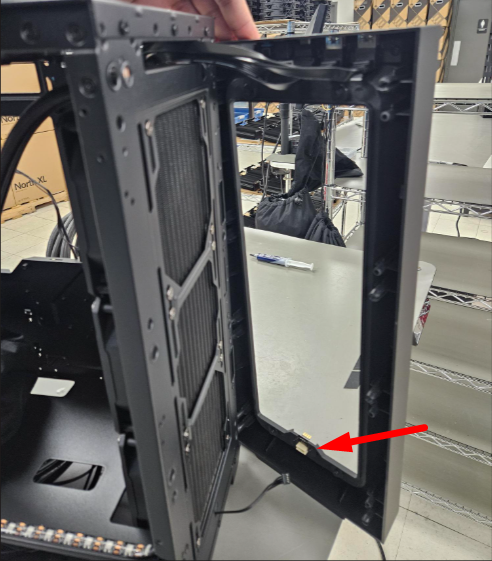
2. Open the Front Panel
Swing the front panel open to the side, like a door, to access the internal cables.
3. Locate and Disconnect the Panel Cables
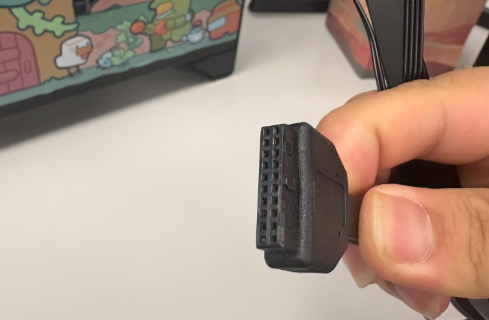
Trace each cable from the panel back to the system and unplug the following:
- HD Audio cable
- USB-C cable
- RGB Button cable
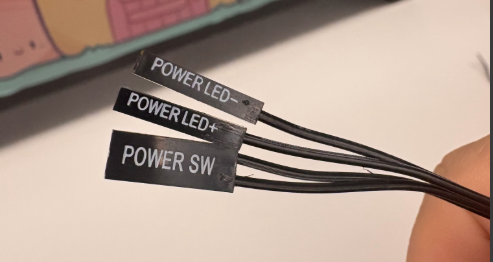
- Power Button cable
- USB cable
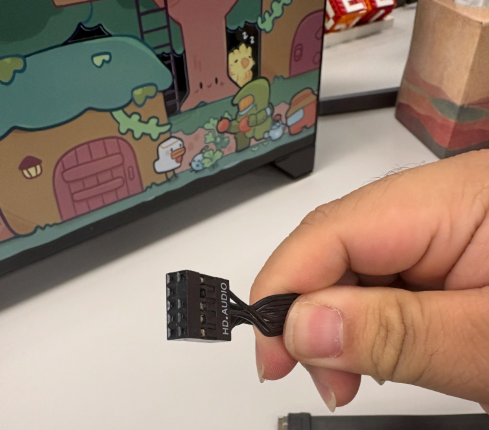
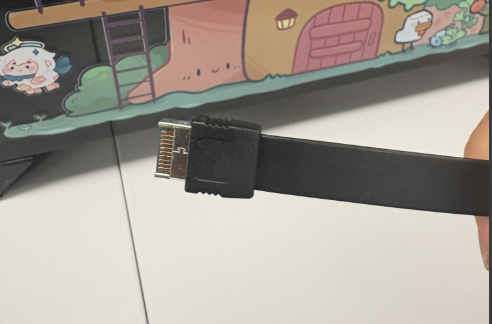
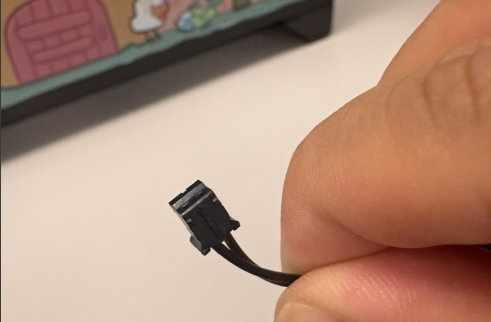
4. Remove the Old Frame
Once all cables are disconnected, remove the original front frame.
5. Install the New Frame
Attach the new front frame, then reconnect all five cables in the same positions as the originals.
If you have questions or concerns, please contact one of our MAINGEAR Support agents: 1-888-MAINGEAR (908-620-9050) or support@maingear.com